55,000+
Live TV channels
Live television, sport and international programmes across the catalogue.
A little guidance. A lot to watch.
Start with the screen you already use. We’ll help you choose a subscription and understand the setup, one step at a time.
Find my plan New to IPTV? Start hereThree durations. Clear US-dollar prices. Help through WhatsApp.
What you’re subscribing to
IPTV brings television to your screen through your Internet connection. Our subscription gives you access to the service; a compatible player app displays it on your device.
Browse live television, sport and international entertainment, or choose an on-demand film or series when it suits you. If there’s something you particularly want to watch, have us check it before you order.
Ask about a programme55,000+
Live television, sport and international programmes across the catalogue.
200,000+
Choose a film when you’re ready to watch.
44,000+
Explore series and their available episodes.
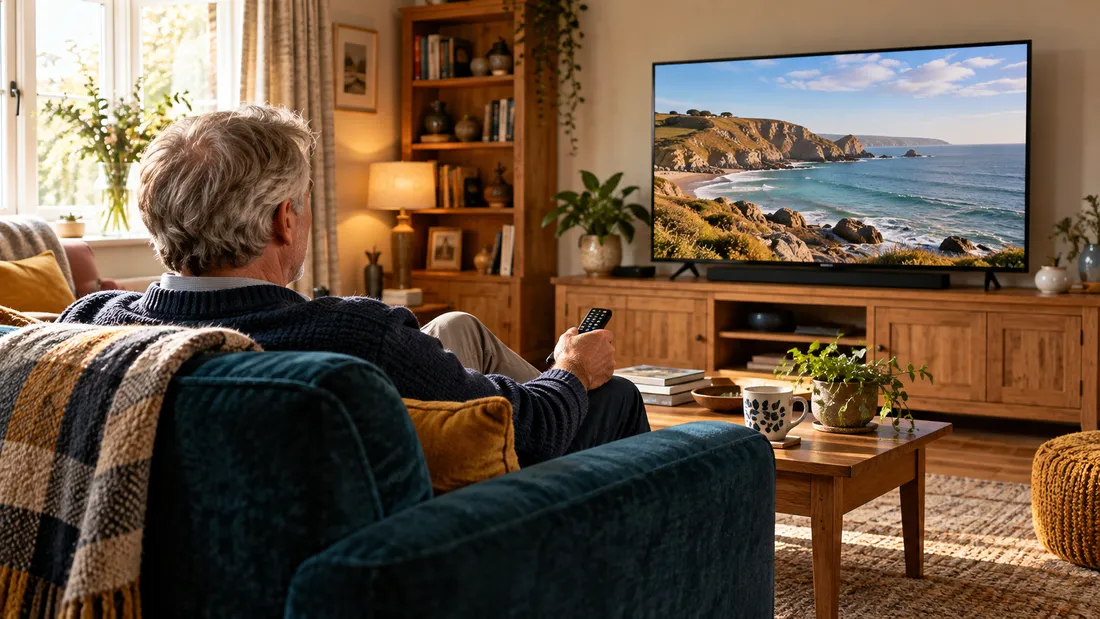
Catalogue totals supplied by the operator, across all regions and languages. Line-up and quality can change; ask us to confirm specific content. Hero photograph is illustrative.
Choose how long
These are US-dollar prices, not pounds sterling. Your enquiry lets you confirm the details before paying.
A shorter subscription
US$20total for 3 months
Choose 3 monthsSix months planned ahead
US$35total for 6 months
Choose 6 monthsA full year of access
US$50total for 12 months
Choose 12 monthsEach option includes access to the service and setup guidance. Check connection allowance, current catalogue, player costs and payment terms with support before confirming. Activation follows order confirmation; ask for the expected timing.
Use a familiar screen
Smart TV, Fire Stick, Android TV box, Windows PC, Mac, iPhone, Android phone or tablet.
Tell us the make and model. We’ll guide you towards a compatible player. A TV without suitable apps can use a compatible connected stick or box.
Read the device setup guideOne service.
A setup that fits your screen.
You don’t need to know the jargon
“I’m not sure” is a useful answer too. You can ask us to help.
Check the plan, price and your device before opening WhatsApp.
Ask about the programmes, connection allowance, player, payment and activation.
After confirmation, receive your access details and device-specific guidance privately.
Free playlist customisation helps organise the groups you actually use. Ask us to arrange your list.
Included DNS options come with configuration guidance. Private DNS is not a VPN or a guarantee against interruptions.
Support is offered 7 days a week, 14 hours per day. The operator brings 10+ years of IPTV experience.
Your next step
Use the choices below. You can read the exact enquiry before opening WhatsApp.
This is an enquiry, not a payment. Opening WhatsApp does not send the message for you.
Prefer to ask us directly?Player availability depends on your model. A player licence may be a separate purchase. TiviMate is intended for Android TV, not phones.
A few useful answers
Still unsure? You can ask a question without choosing a plan.
Talk to supportAn IPTV subscription supplies access to live television and an on-demand film and series catalogue over the Internet. You also need a compatible device, an Internet connection and a player app. Hardware and any separately licensed player app are not included in the displayed subscription prices.
We support the common Smart TV, Fire Stick, Android TV, computer, phone and tablet categories. Your model and its available player apps determine the setup. A television without suitable apps needs a compatible connected stick or box. Tell us your model before ordering.
All prices are in US dollars: US$20 for 3 months, US$35 for 6 months or US$50 for 12 months. Each is the total subscription price for that duration, not a monthly instalment. Ask for the payment total and terms before confirming; your payment provider may apply its own conversion or fees.
Tell us your screen and operating system first. TiviMate is designed for Android TV rather than phones. IPTV Smarters Pro, IBO Player, Smart IPTV, OTT Navigator and XCIPTV are other players you can ask about. Availability and any separate licence depend on the app developer and your device.
Compatibility with several kinds of device does not mean several simultaneous connections. Ask us to confirm the connection allowance for your order before you pay.
Yes, ask us to check the exact programme, channel, language and available quality before ordering. Catalogue-wide totals are not a promise that every British channel, film or fixture is included. The catalogue changes.
No. HD, Full HD and 4K depend on the original source, the player, your screen and your Internet connection. A 4K television cannot turn an HD source into a 4K source. A stable network matters, especially for live programmes.
Use Contact for device or access questions and Renew for an existing subscription. Support is offered seven days a week, fourteen hours per day. Ask for the current hours in your time zone; replies are not necessarily immediate. Never send a password through a public form.
Renew the right account or ask for help with your current setup.
Renew a subscriptionReseller enquiries are welcome. Discuss access, support and commercial terms first.
Explore reseller enquiries